The Label Template Designer is used for setting the properties and positions of the components of a label template. The designer is separated into two main sections, the left-side is a list of the available components and the right-side is the design surface. A component is positioned on the design surface by dragging it from the component list. Once a component has been placed, its properties can be set by double clicking on it.
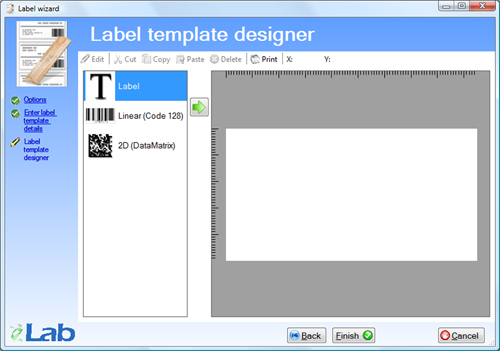
Figure 18.1. The Label template designer.
Copyright © 2008 eBioSys Pty Ltd - eLab LIMS